
Link Settings
- Basic Settings
- Logo
- Link
- Name (Required)
- Description (Required)
- Link Mode
- Product Type
- Address (Required)
- Design
- Delivery / Pickup
- Payments
- Track Payments
- Advance Payment Percentage
- UPI ID
- Integrate Payment Gateway
- Max Payment Pending Orders Per Customer
- Chat
- Enable Chat
- Allow Guest Chat
- Other
- Allow Bill Amount Adjustment
- Enable Discovery
- Max Items Per Order
- Max Qty Per Item Per Order
- Order Custom Fields
- Name
- Type
- Default Value
- Allowed Values
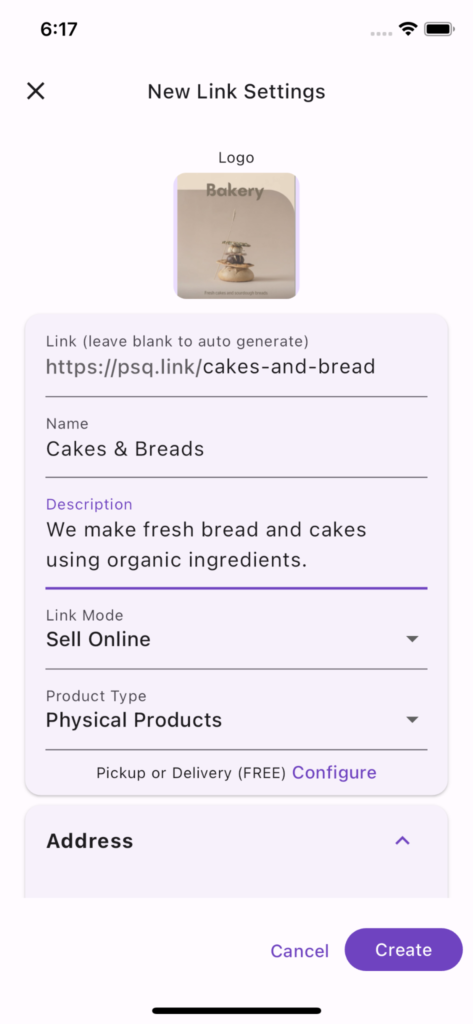
Basic Settings
Logo
Link
Name (Required)
Description (Required)
Link Mode
Sell Online: Customers can place order directly.
- Online Catalog: Customers can browse your products, services or digital goods but cannot place orders directly.
Product Type
Physical Products: Products that required delivery / pickup
Digital / Booking Items: Ideal for products like event tickets, stalls, services, digital goods, that do not required delivery / pickup
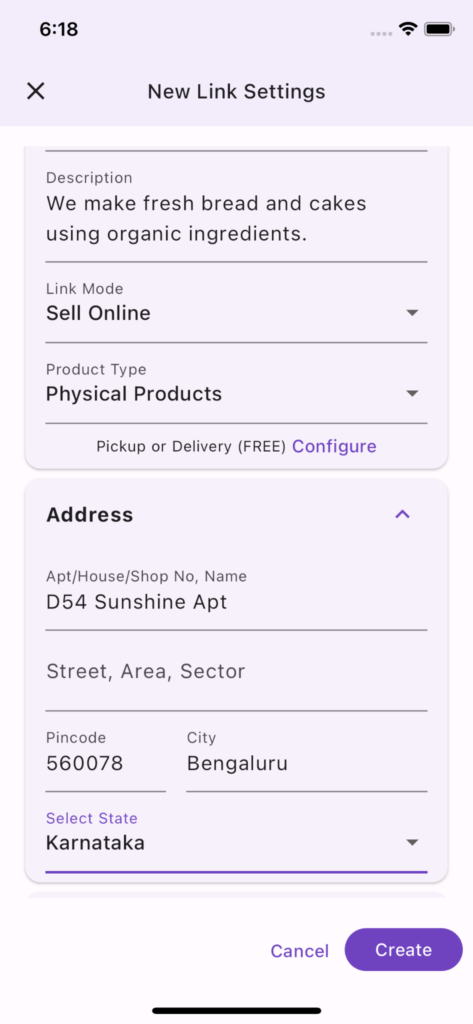
Address (Required)
Address of your store, booking link or service. It can also be a home or office address.
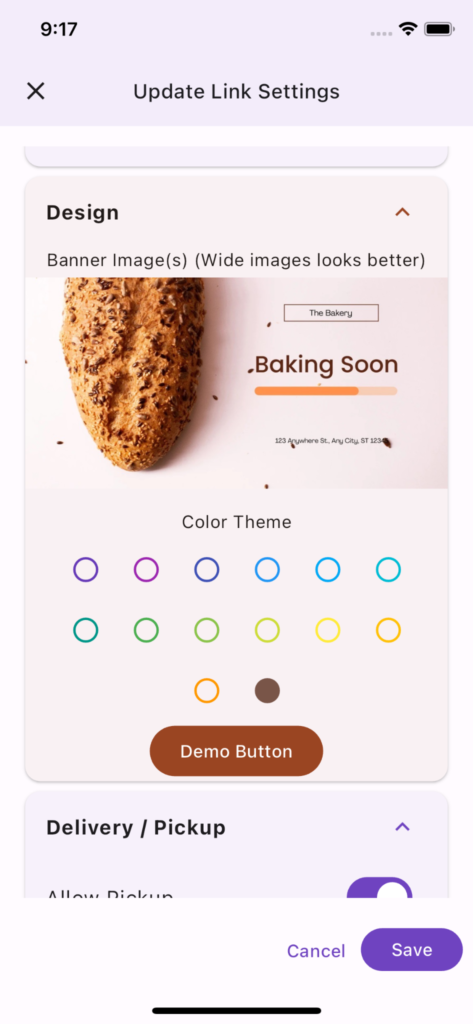
Design
This section has moved to a separate menu option.
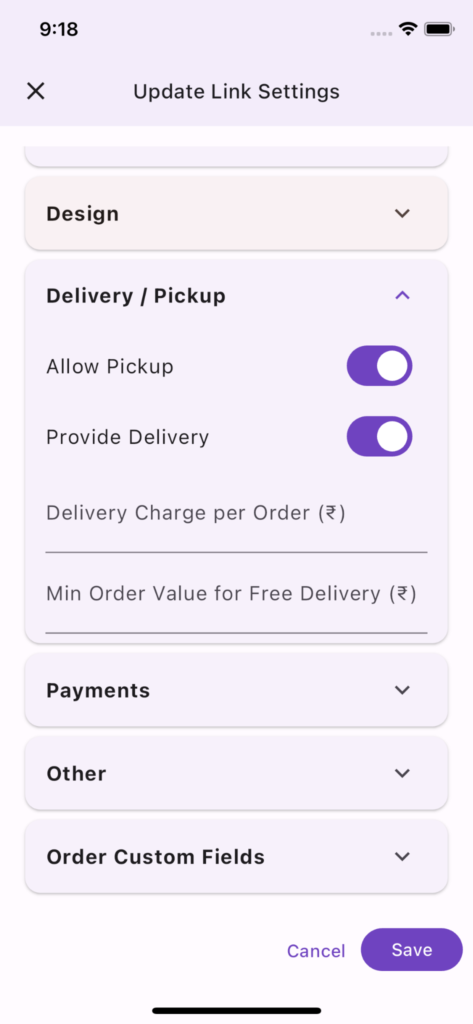
Delivery / Pickup
Choose pickup, delivery or both depending on options you want to provide to your customer. You need to choose at least one one option from pickup or delivery.
For delivery, you can mention delivery charge per order and minimum order value for free delivery if applicable.
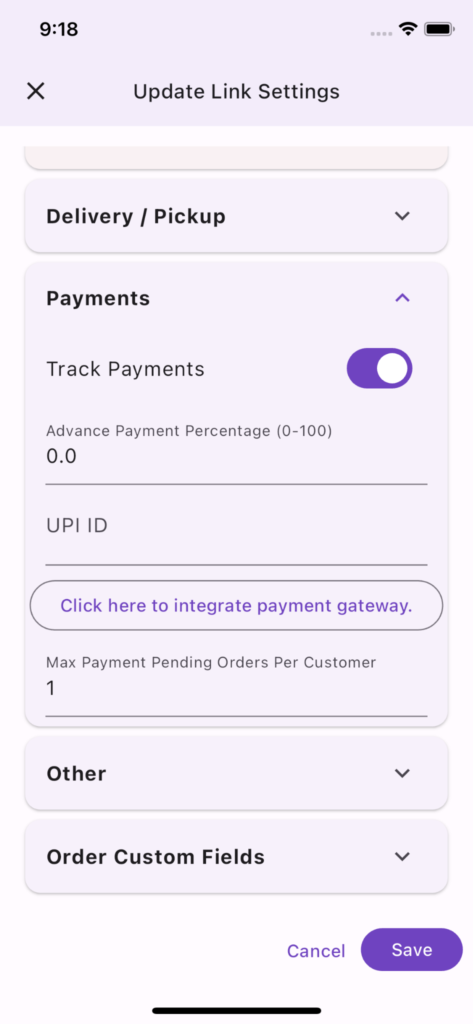
Payments
Track Payments
Advance Payment Percentage
UPI ID
(Not required when using payment gateway)
Providing UPI ID will allow customers to pay you using UPI. However, you will need to track and acknowledge every payment. This payment mechanism is FREE. However, customer experience is not good as they need to scan the QR or copy the UPI ID to make the payment. Also, link owner/staff needs to manually confirm the payment. This is reasonable method for businesses selling locally or businesses selling within a circle of trust, but if you are selling pan India this is not a recommended approach.
Integrate Payment Gateway
Max Payment Pending Orders Per Customer
Chat
Enable Chat
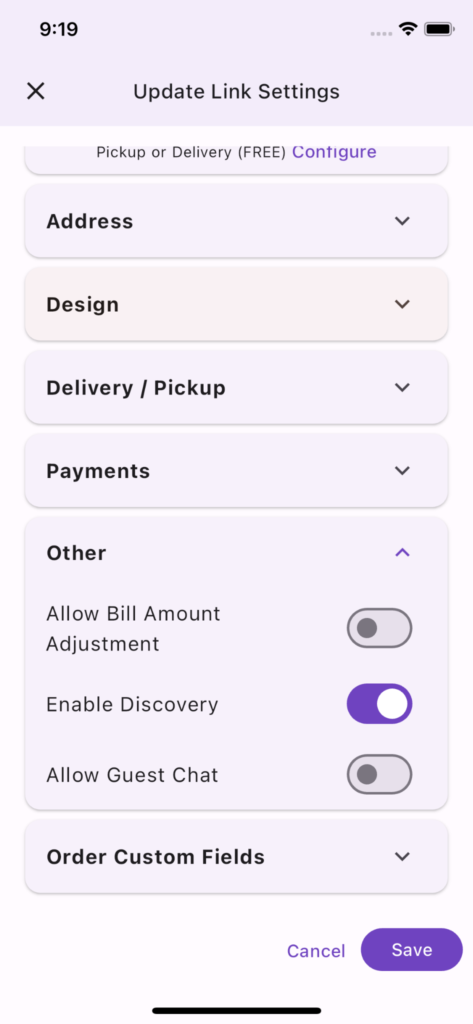
Allow Guest Chat
Other
Allow Bill Amount Adjustment
Enable Discovery
Max Items Per Order
Max Qty Per Item Per Order
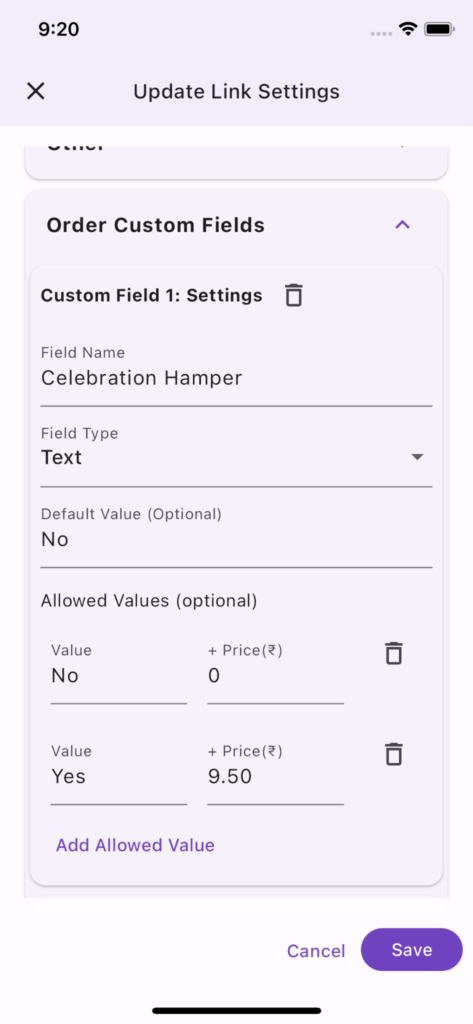
Order Custom Fields
Order Custom Fields help you add order level customization. Example: if you are selling bakery items you can offer add-ons with each order. For example, you can provide celebration hamper along with the order for additional charge.
You can add upto 10 custom fields per link. Each custom field has the following attributes.