Design

Design

Design option allows you to control the overall look and feel of your link, customize sections of catalog page and add static pages related to policies, how it works etc.
unnamed

Settings

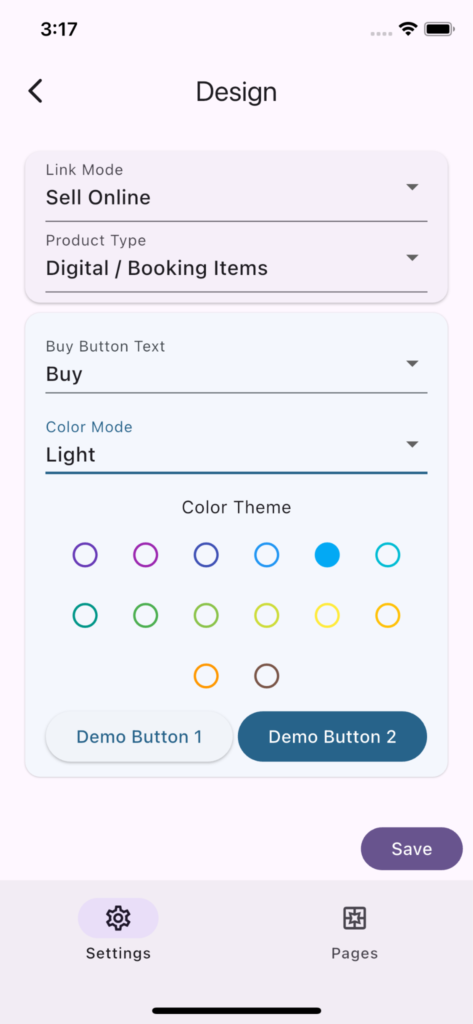
Link Mode and Product Type settings are repeated here from Settings screen for convenience.

Buy Button Text

‘Buy’ or ‘Book’, choose that text that best represents items you are selling. If you selling physical or digital goods ‘Buy’ will make sense. If selling event tickets or registrations ‘Book’ will make more sense.

Color Mode

Light or Dark mode. Choose one that best represents your store, booking link or service.

Color Theme

Color theme that best represents your store, booking link or service.
unnamed (1)

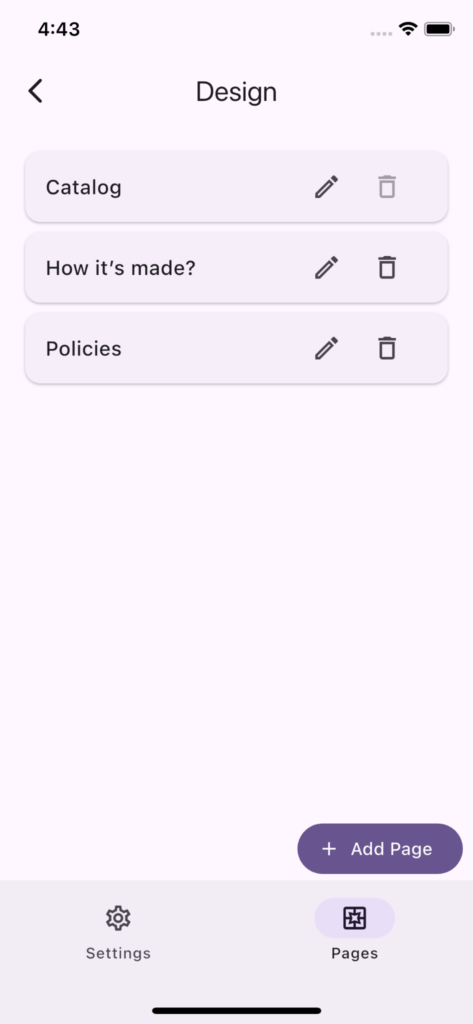
Pages

You can manage your pages on this tab.

Catalog Page

This is the default page that is displayed when user opens a link. You can customize the top and bottom section of the catalog page.

You can a provide banner image for the landing page in the top section. Note that wide images look better for banner, we recommend banner image to be at least 400px wide so that it covers the entire horizontal space. 
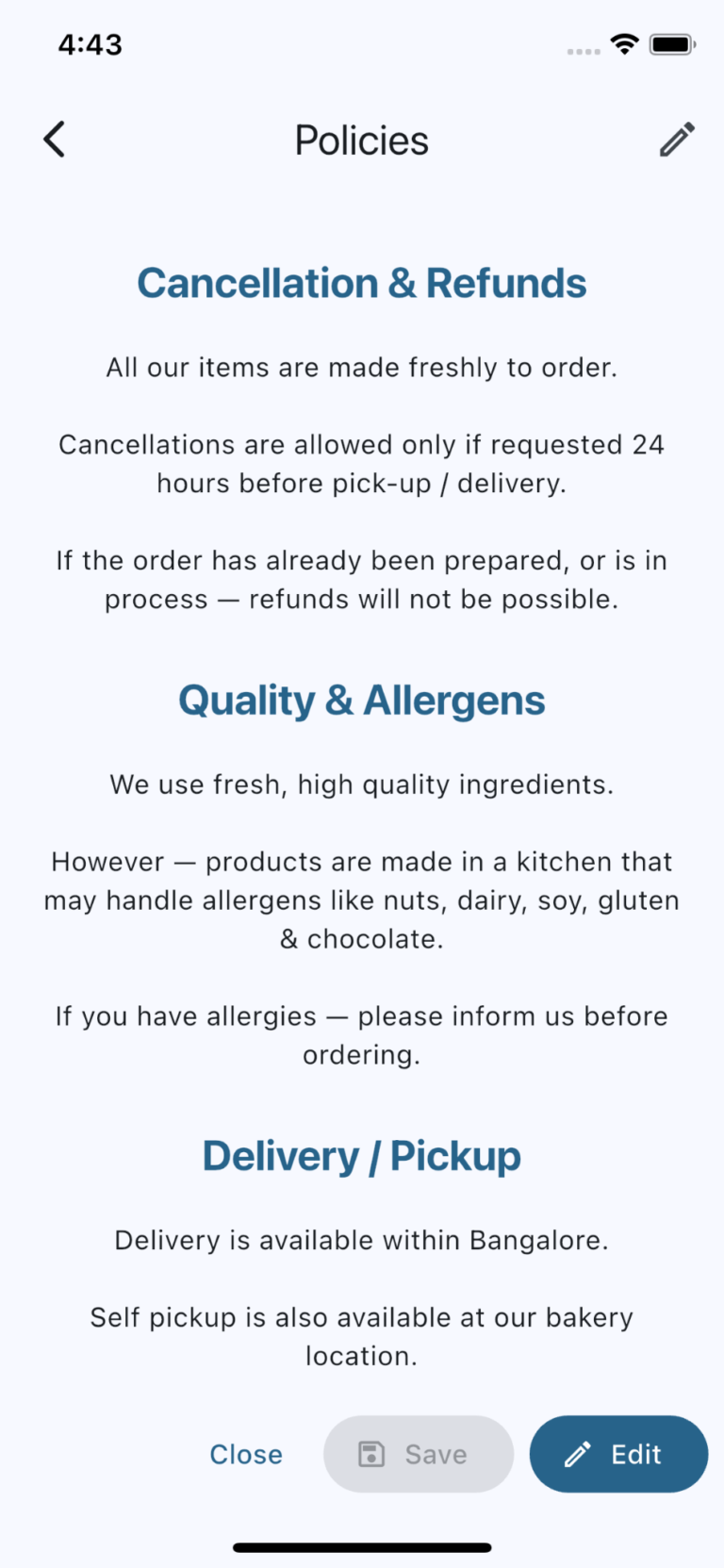
Other Pages

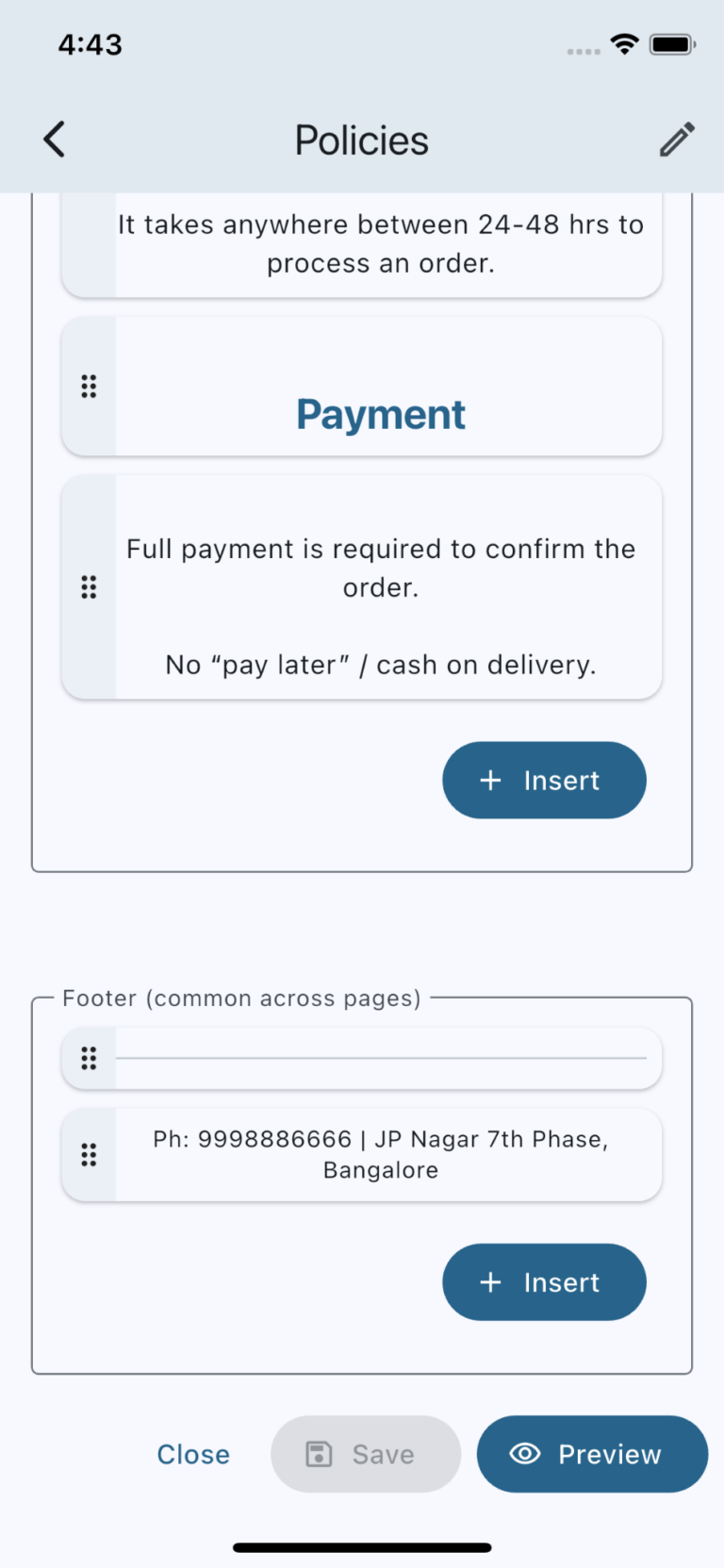
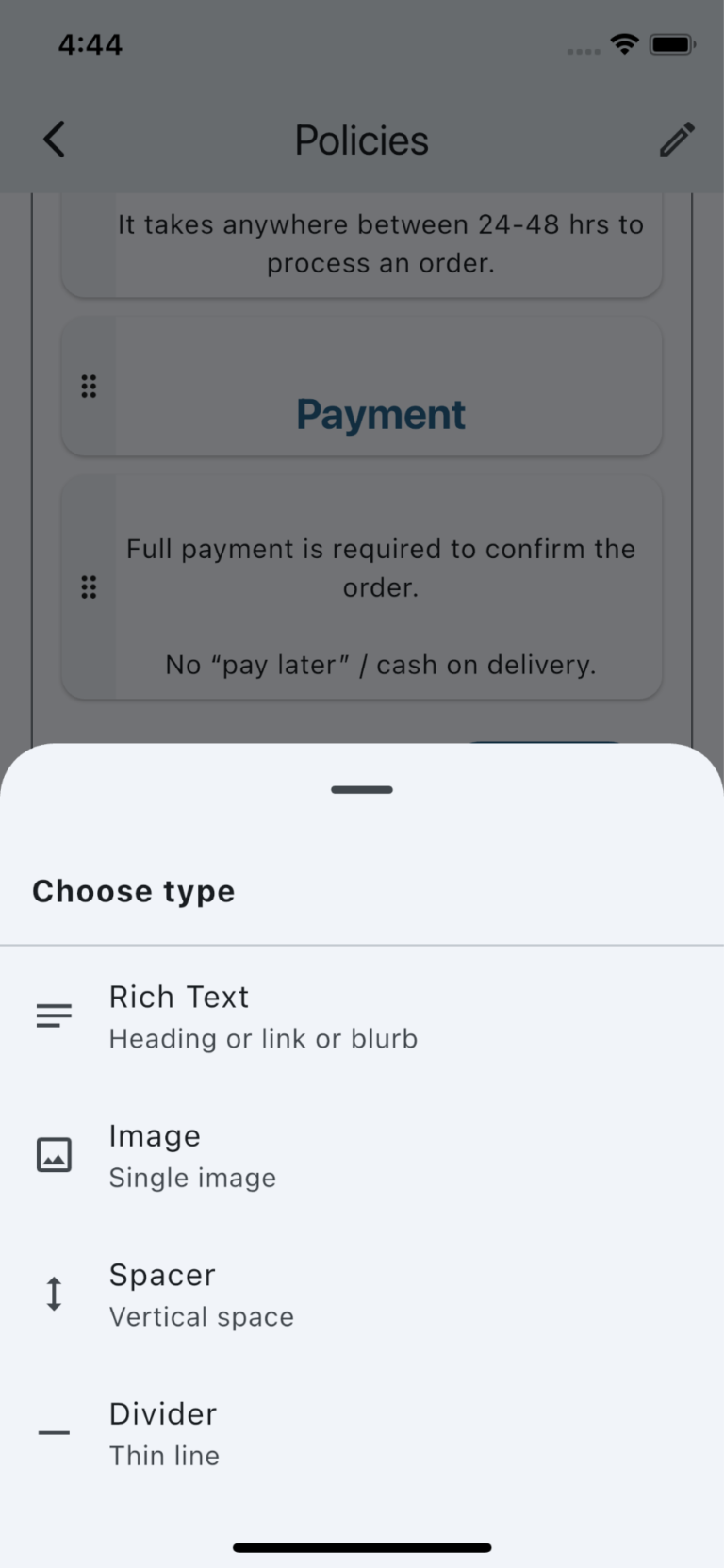
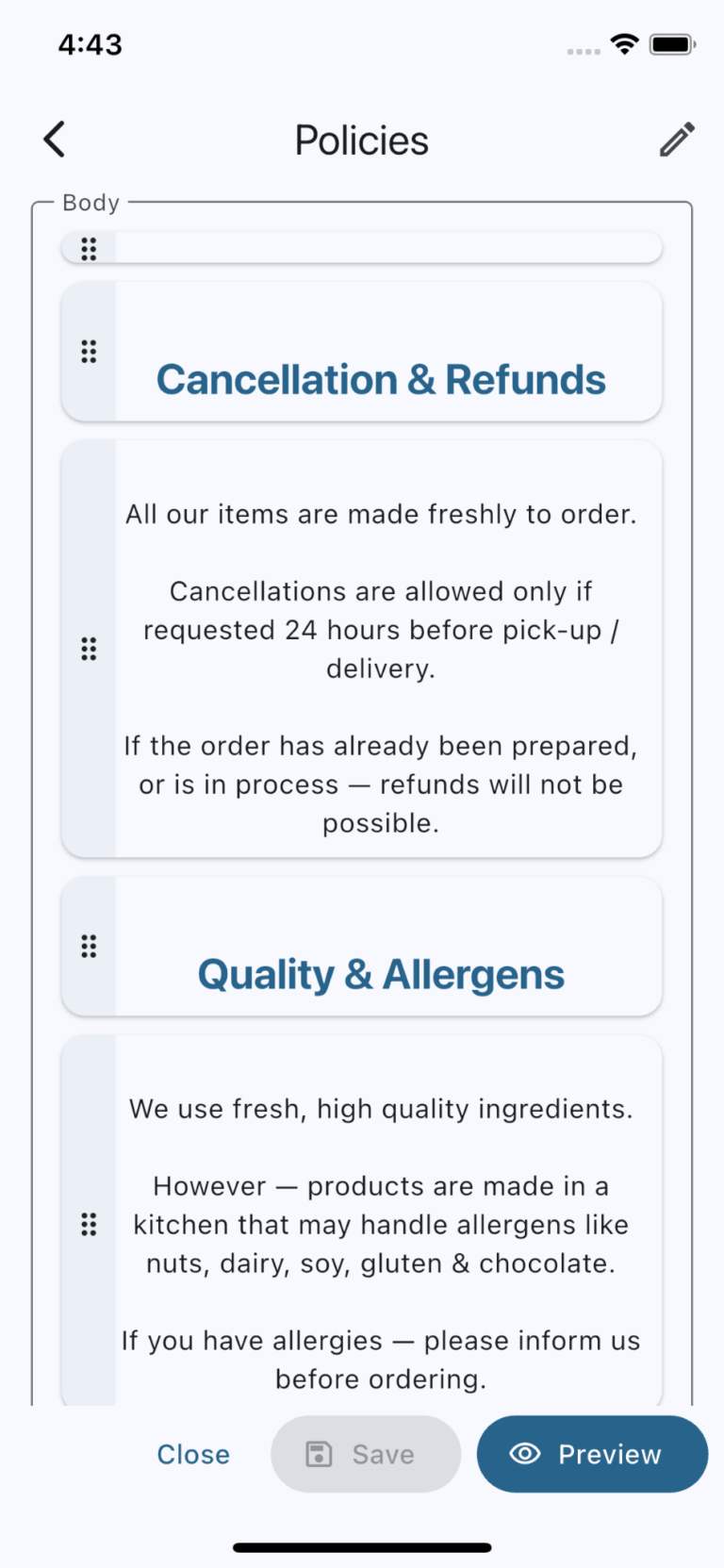
You can create pages as needed. The image carousel below shows screenshots of page editing screen.

Footer

You can add a common footer that appears across all pages. Modifying the footer for any page modifies it for all pages.